Technology and software

Logo and interface design for consumer apps

Users decide to stay or delete within the first few minutes.

A consumer app has to win on a phone screen that is already full. Sinh Vũ gives your app a memorable icon, a smooth first minute and a consistent face through every update.

A set of sample materials for a consumer app: an app icon, a welcome screen, an app store page and an opening animation
Quick answer01

What brand does a consumer app need to keep users?

Three things: an icon that stands out on a crowded screen, a first minute that leads straight to value, and a consistent interface. Users have no reason yet to be patient, so all three have to be right from the first launch.

  1. A recognizable icon

    Legible at small sizes on the home screen, and distinct among dozens of icons around it.

  2. A first minute that leads to value

    The welcome screen, sign-up and opening animation are as short as possible, so users see what the app does for them.

  3. A consistent interface

    The same buttons, colors and type on every screen and platform, so users never have to relearn.

Business types02

Three kinds of apps, three problems

All of them are apps on a phone, but users come back for different reasons, so the brand has to do different work.

Ride-hailing and food delivery apps

Their customersUsers who need the job done fast, and compare a few other apps right on the screen.

Brand challengeCreate a feeling of trust and familiarity: one glance shows where to tap, and the brand is present in the real world too, through vehicles, uniforms and packaging.

Social and entertainment

Their customersYoung users who open the app because they want to, and can switch elsewhere very easily.

Brand challengeHave a personality distinct enough that users feel this place is theirs, while the interface stays simple enough to use at once.

Super apps

Their customersUsers who do many things in one app, with new services being added all the time.

Brand challengeKeep one shared face while each service has its own team, so features can be added without the app getting cluttered.

Pain points03

Four pain points specific to consumer apps

These are the places where apps tend to lose users, even when the features are useful.

Customer journey04

At which stage do apps lose the most users?

At the Trial stage, the first few minutes after download. Users aren't used to the app, don't trust it yet, and have a whole list of other apps to switch to. A confusing first minute is a lost user.

Where customers are most often lostTrial
Do this now
  1. Count the taps from opening the app to the first value, then cut every step that doesn't help get there.
  2. Use short motion to show how to use the app instead of blocks of instruction text.
  3. Ask for sign-up or permissions only at the moment the user needs them.
Touchpoints05

Five touchpoints to do first

Touchpoints are the places where users look at and touch the app. You don't need to do everything at once. These five decide most of the impression in the first few minutes.

  1. App icon

    What users see every day on the home screen, and see first in the app store.

  2. Welcome screen

    The first greeting, which decides whether users go on or close the app.

  3. Motion

    Helps users understand how to use the app without reading, and gives the app its own rhythm.

  4. App store page

    Many people decide whether to download right here, from the first few images.

  5. Notifications and emails to users

    The moments when the app speaks to users first: say it well and they come back, say it too often and they switch it off.

Roadmap06

Where Sinh Vũ suggests starting

Listed in the order to do them. A newly launched app stops at step two or three; a multi-service app goes all the way.

  1. Logo and Brand Identity Design

    Name, icon, color and type: the base for every screen that follows.

  2. Designing a digital design system

    A component library and interface rules the development team can use directly.

  3. Brand video and animation production

    Opening motion and guiding motion for the first minutes.

  4. Building brand voice

    A shared voice for notifications, the welcome screen and the app store page.

  5. Outsourced brand operations

    When the app updates regularly: monthly support so the interface doesn't drift.

Projects07

Projects closest to consumer apps

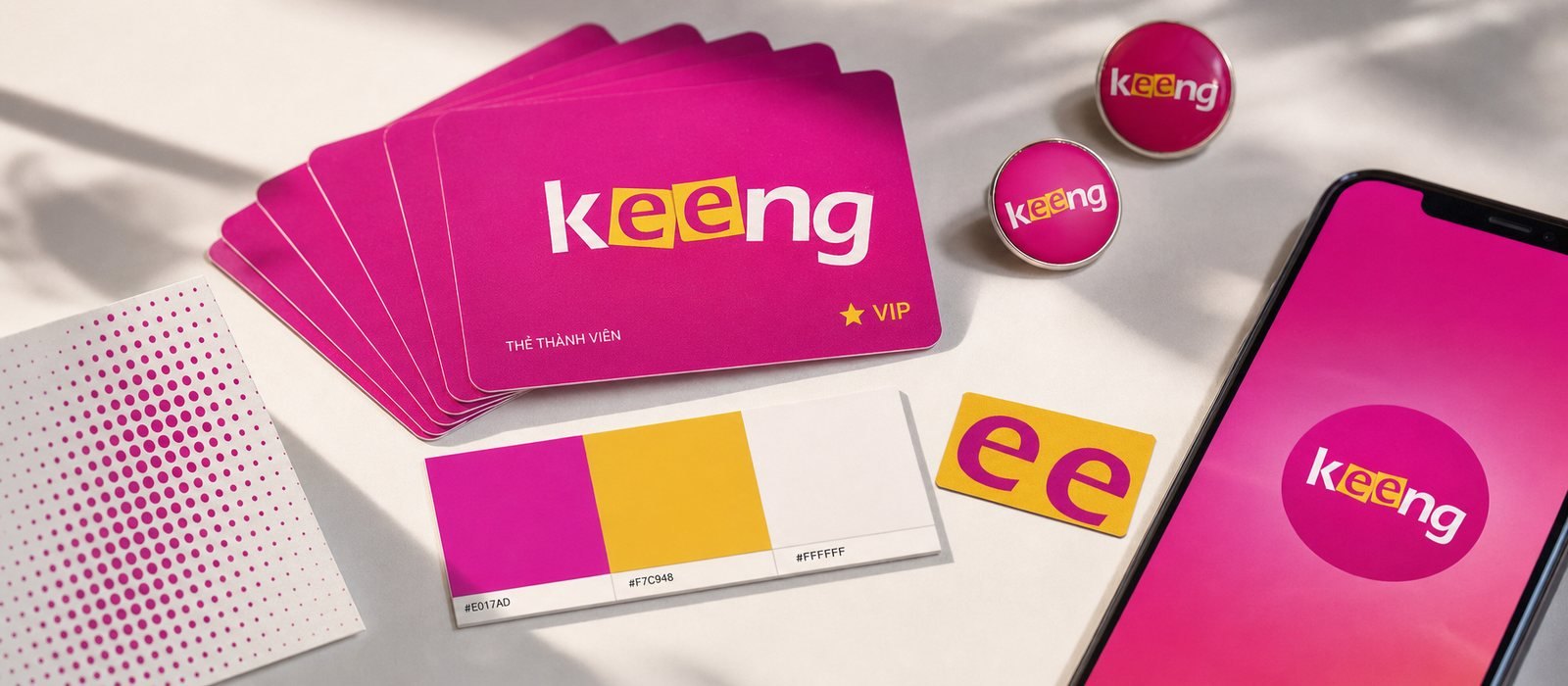
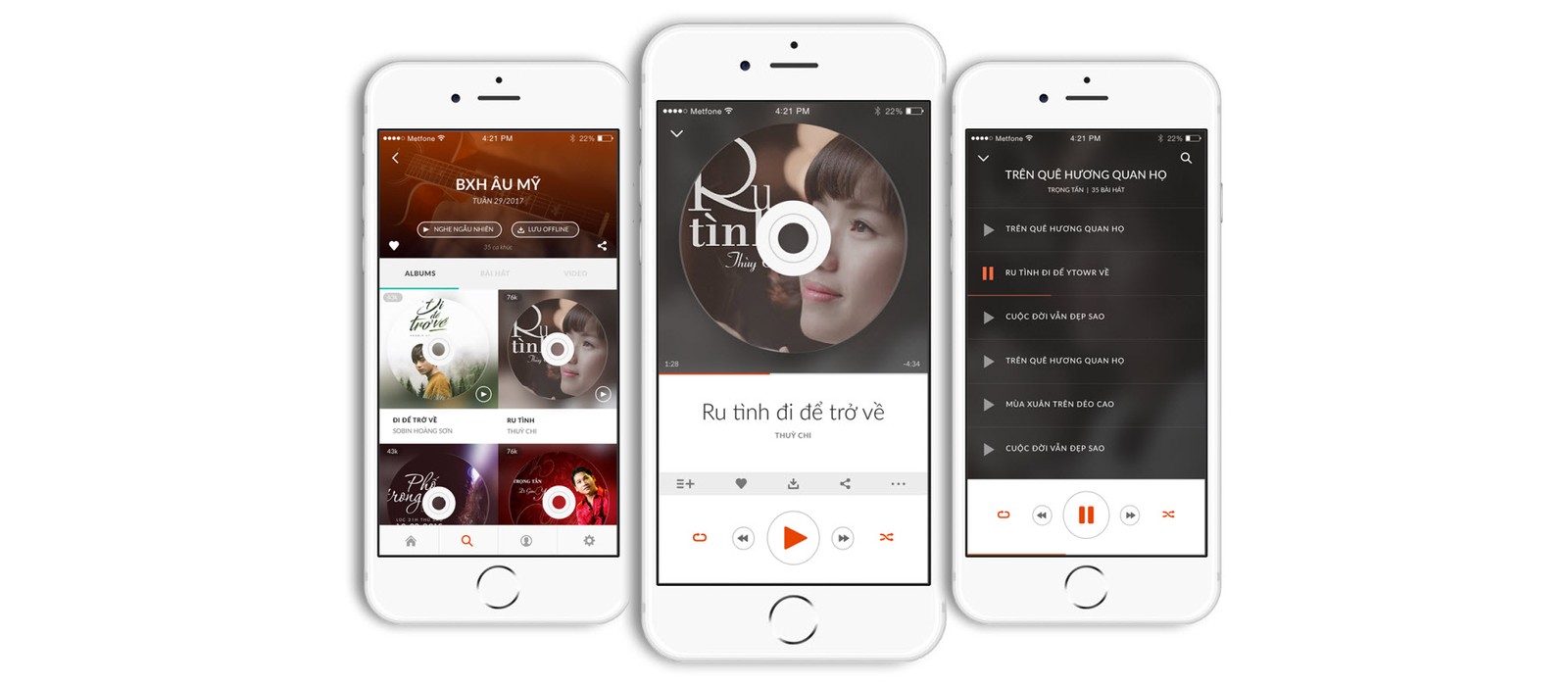
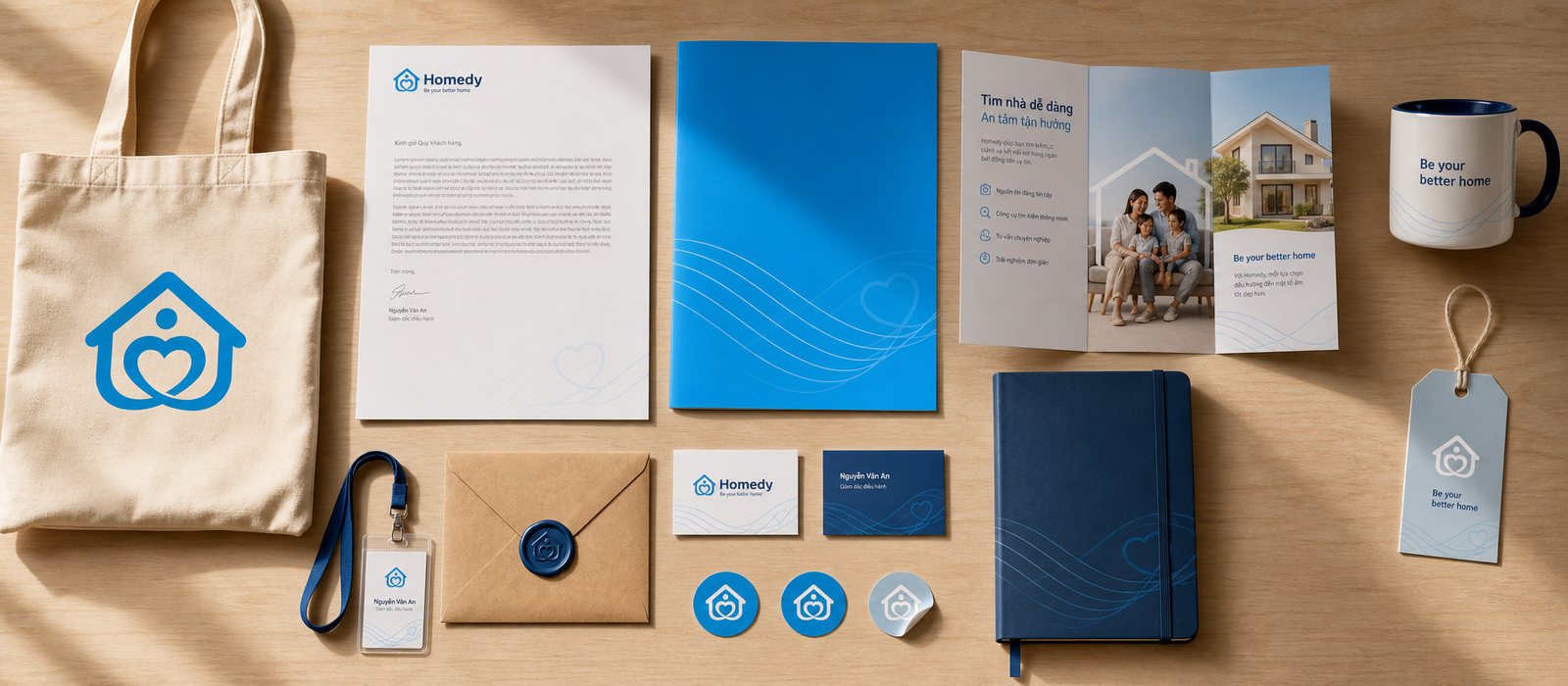
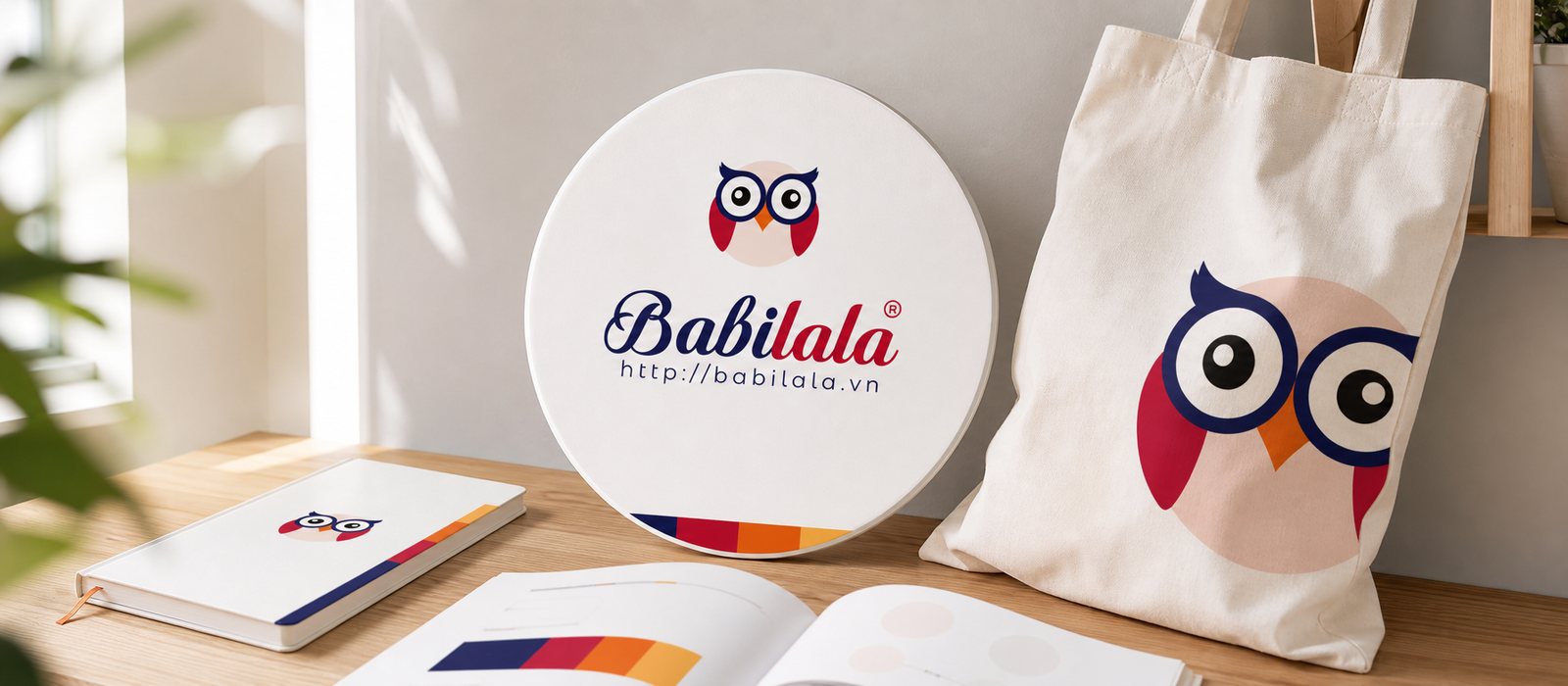
Sinh Vũ has not published a ride-hailing or food delivery app project. The four below are closest: two music apps, a multi-screen platform and an app for children.

Further reading08

More on consumer apps

Free toolTouchpoint map for this business modelSee the five stages customers pass through, where they drop off most, then rate the five touchpoints to fix first.Open the tool Free toolFull logo file setFrom one logo, export the whole set: website icon, Zalo and Facebook avatars, white version, black version, email signature logo, share image.Open the tool
FAQ09

Frequently asked questions

Simple enough to read at a few dozen pixels, with one distinct detail drawn from the product's story, and tested beside other apps on a real screen before it is final. Avoid familiar shapes that many apps share.

As few as possible: keep only the steps that help users see the first value. Defer the rest until they really need it, including sign-up and permissions.

The first three or four images matter most. Each one should tell a single benefit with a short line, instead of showing raw interface, and the first image should show the app's main value.

Use one shared digital design system: interface components, color and motion that every service reuses. Each service gets a few details of its own, and the rest stays the same.

In a few places, yes: when changing screens, when reporting a result and in the first minute. Motion used in the right place helps users understand; too much of it slows the app down.

It can, if done step by step. Keep what users already know, such as the name and main color, change the icon and interface over successive updates, and give loyal users advance notice.

Tell Sinh Vũ about your app

A few lines about the app, its users and where they are leaving is enough. Sinh Vũ reads it and replies within one working day.