Technology and software

Packaging and brand design for smart devices

Customers bring a device into their home when they feel at ease with it.

A connected device enters the customer's home and workplace, so trust starts with the box. Sinh Vũ makes your box, setup guide and companion app say one thing: this device is well made, easy to use and worth keeping.

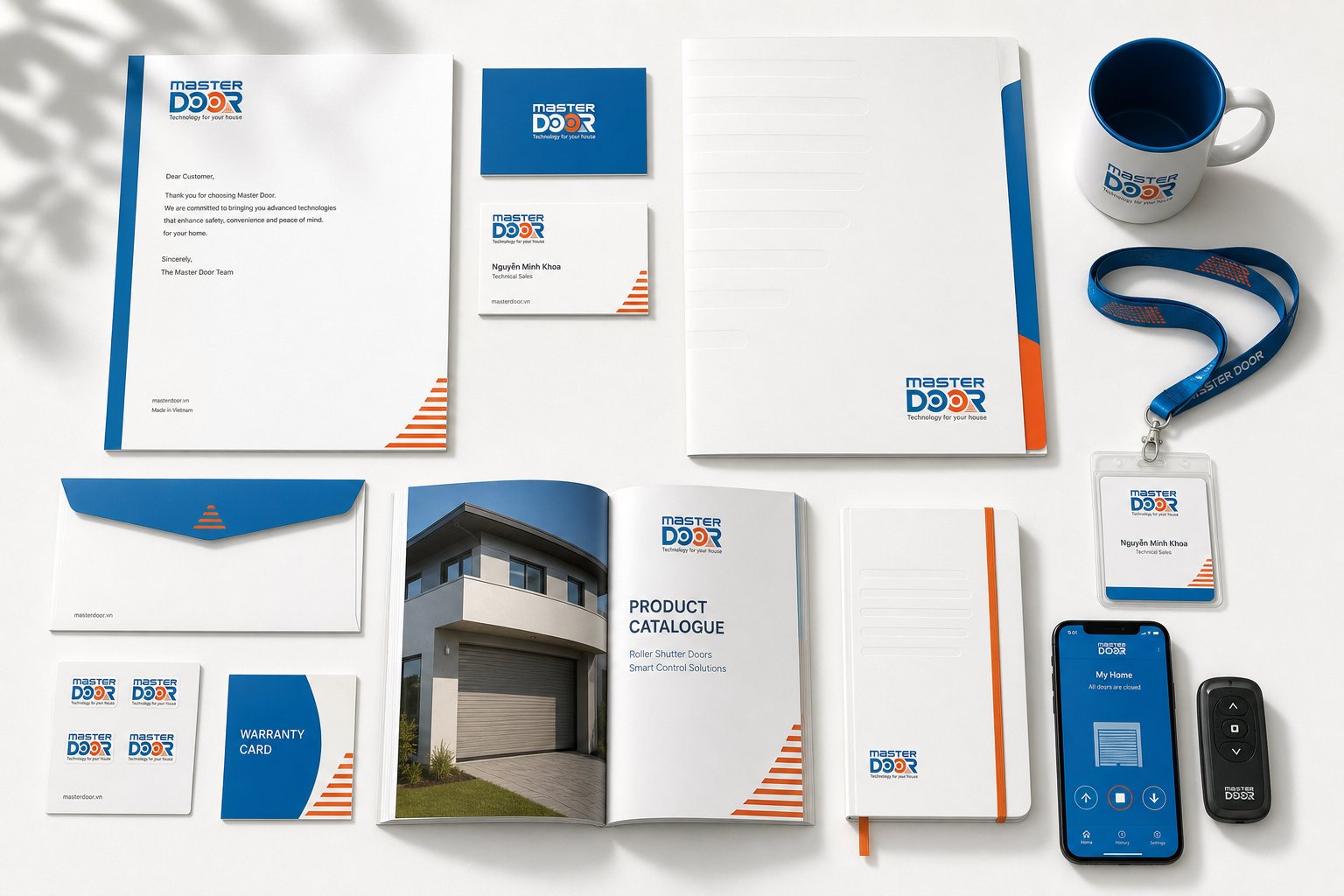
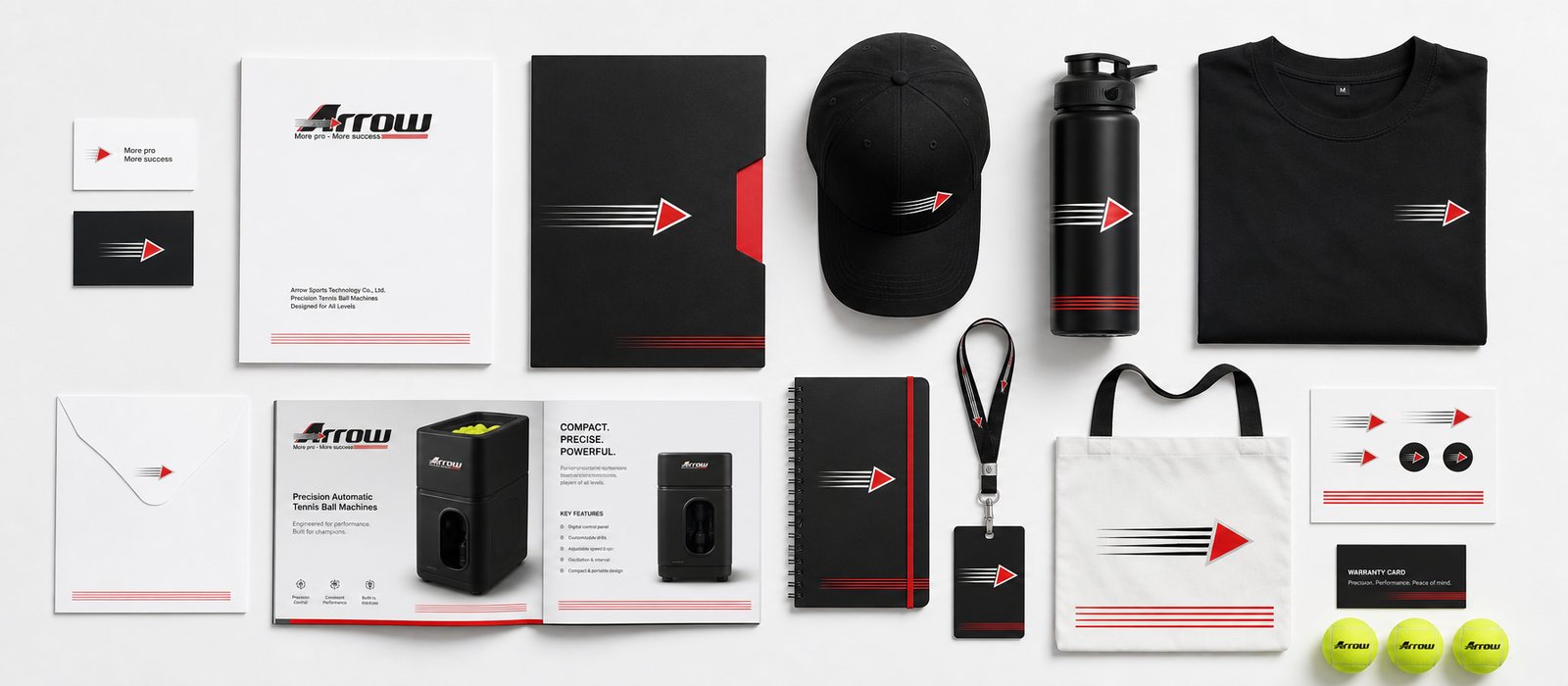
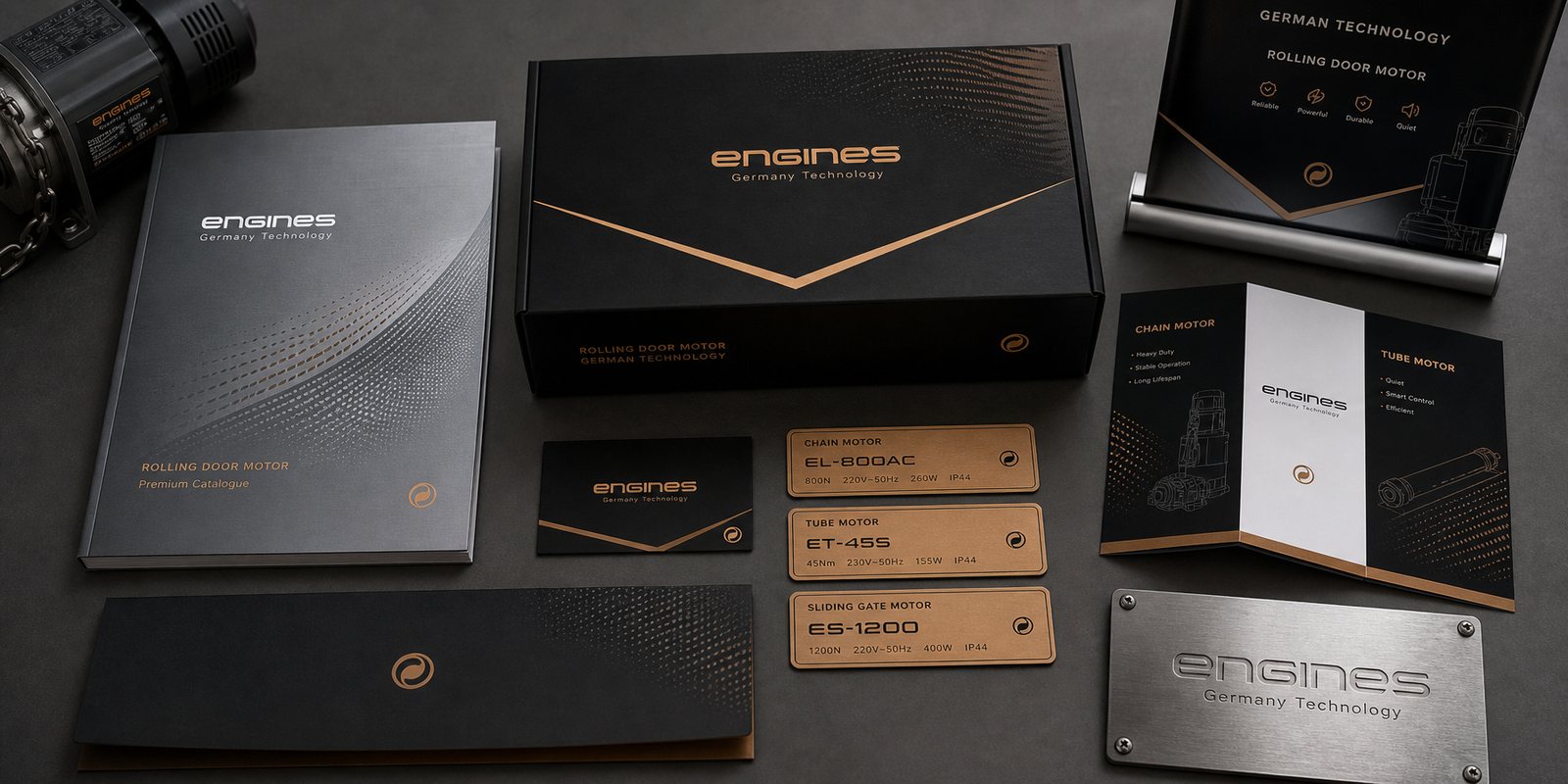
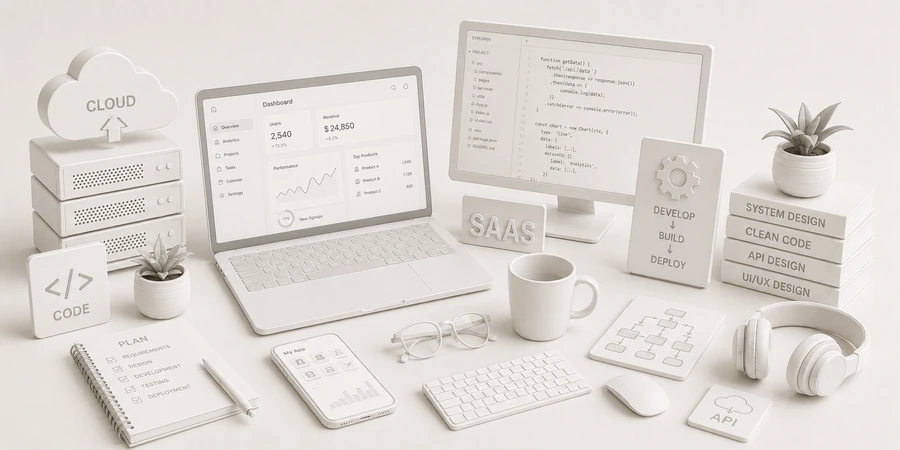
A set of sample materials for smart devices: a product box, a setup guide, a companion app screen and a display shelf
Quick answer01

What does the brand of a smart device need?

Three things: a box that conveys reassurance and purpose in a few seconds, a short setup guide that is easy to follow, and a companion app with the same face as the device. Customers often compare with foreign brands they know, so these three are where a domestic device shows it can be trusted.

  1. A box that conveys reassurance

    Purpose, warranty information and what the customer needs to know are clearly shown; certifications are stated only when the device really has them.

  2. A short setup guide

    Few steps, pictures instead of text, arranged in the order the customer works, so the first setup is the first success.

  3. An app with the same face as the device

    The app's color, type and voice match the box and the device, so customers see the whole set as one.

Business types02

Three kinds of devices, three problems

All of them are connected devices, but each enters the customer's life differently, so what makes customers trust it differs too.

Smart home devices

Their customersHomeowners and renovators, buying on the advice of people they know or an installer.

Brand challengeShow customers the device is simple, suits the whole family and needs no technical knowledge; and that they can feel at ease keeping it at home.

Connected sensors

Their customersBusinesses and factories, buying on specifications and reliability.

Brand challengeMake the documents and the box state stability, installation and how to read the data clearly.

Wearables

Their customersIndividual users, choosing by style, how it feels to wear and the companion app too.

Brand challengeHave a look of its own, lovely to pick up and familiar to wear, with a companion app that makes users want to open it every day.

Pain points03

Four pain points specific to smart devices

These are the places where smart devices tend to lose customers, even when the quality is genuinely good.

02

A setup guide that is long and hard to follow

Many pages, technical terms and small photos that are hard to see; customers get step three wrong, then give up or call support.

One large picture per step, little text, and a code that scans to a short video for the hard parts.

Start from this problem
Customer journey04

At which stage do smart devices lose the most customers?

At the Trial stage, when the customer opens the box and sets up for the first time. They have already bought, so they are excited, but a hard setup makes them feel they bought the wrong thing, and they tell people they know.

Where customers are most often lostTrial
Do this now
  1. Count the steps from opening the box to the device running, then remove every step that isn't required.
  2. Put the guide right on top when the box is opened, with the support phone number or channel already printed.
  3. Have the companion app lead the customer through each setup step instead of only listing features.
Touchpoints05

Five touchpoints to do first

Touchpoints are the places where customers look at, hold and use the device. You don't need to do everything at once. These five decide the feeling of trust from purchase to use.

  1. Product box

    The first thing customers see and hold, both in the store and when the delivery arrives.

  2. Setup guide

    Decides whether the first use is a success or a disappointment.

  3. Companion app

    Where customers control the device every day, so it has to share its face and be easy to use.

  4. Point of sale

    Customers are often advised by the seller, so the display area and the materials for staff matter a great deal.

  5. Product and support pages

    Customers research before buying and come back when they need to ask; this place shows whether the company stands behind the product.

Roadmap06

Where Sinh Vũ suggests starting

Listed in the order to do them. A company launching its first product line stops at step two or three; a company with many product lines goes all the way.

  1. Logo and Brand Identity Design

    A name, mark, color and type for the company and its product lines.

  2. Product packaging design

    The product box and the setup guide inside it.

  3. Designing a digital design system

    A companion app interface with the same face as the device.

  4. Sales and marketing collateral design

    Materials for sales staff and installers.

  5. POSM and event booth design

    A try-it display area at the point of sale and at trade shows.

Projects07

Projects closest to smart devices

Sinh Vũ has not published a connected device project. The three below are closest because they are high-tech devices that have to be trusted from the box and the name.

Further reading08

More on smart devices

Free toolTouchpoint map for this business modelSee the five stages customers pass through, where they drop off most, then rate the five touchpoints to fix first.Open the tool Free toolFull logo file setFrom one logo, export the whole set: website icon, Zalo and Facebook avatars, white version, black version, email signature logo, share image.Open the tool
FAQ09

Frequently asked questions

The product name, its main purpose in one sentence, a picture of the real device, warranty information and how to get in touch. State certifications or standards only when the device has passed and the paperwork exists.

One large picture with one short sentence per step, in the exact order the customer works. The hard parts should have a code that scans to a video, and the support channel should be printed on the first page.

Don't compete on specifications. Show customers what imports find hard to offer: support in Vietnamese, a clear warranty, easy installation and a brand that stands behind the product.

Yes. Customers use the app every day, so it is where the brand appears most. An app in a different style makes the product set feel disjointed.

Use one shared identity system, and tell each line apart with a name and its own color treatment. Write standards so the boxes, flyers and trade show signs of every line read as the same company.

Make the box, setup guide and product page really good first. Do the companion app and the display area once the product line has found its customers.

Tell Sinh Vũ about your device

A few lines about the device, the buyers and what makes them hesitate is enough. Sinh Vũ reads it and replies within one working day.