
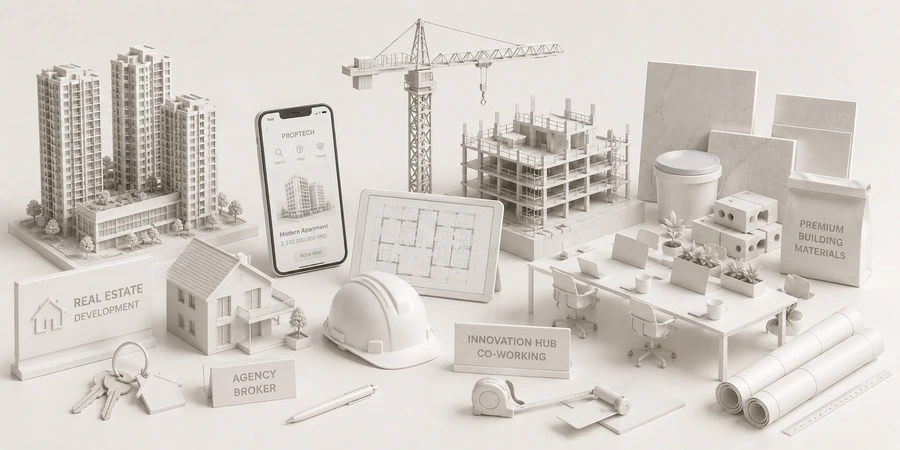
Real estate and construction

Brand and interface design for digital real estate platforms

On a screen, the interface is what vouches for you.

When users search for a home through an app, the interface has to do the job of a face-to-face meeting. Sinh Vũ gives a platform one brand and one consistent interface system, so real listings stand out and users know where they are.

A sample interface set for a digital real estate platform: a listing page, a search screen, notifications and a guide for sellers
Quick answer01

What does a digital real estate platform need from its brand?

Three things: a shared interface system so the platform can add features without getting messy, a way of presenting listings that shows which have been checked, and one consistent voice from the screen to the notifications.

  1. A shared interface system

    One set of components built once and used in the app, on the web and on every screen to come.

  2. Listings readable in seconds

    Photos, key information, update date and poster in fixed places; a verification badge appears only when the platform has truly checked.

  3. A consistent voice

    From buttons and notifications to emails, the platform speaks in one way: clear, calm, never pushy.

Business types02

Three kinds of platform, three problems

Each kind of platform needs users to trust something different.

Home search apps

Their customersPeople looking to buy or rent, scrolling listings on their phones many times over several weeks.

Brand challengeHelp users filter quickly through a great many listings, so good ones are easy to spot and they aren't worn out before they find one.

Transaction platforms

Their customersBuyers and sellers who need to exchange information, negotiate and follow the steps of a deal on screen.

Brand challengeAt the step users worry about most, such as leaving their details or paying, the interface has to be clear and reassuring.

Smart homes

Their customersHomeowners using an app to control devices inside their own home.

Brand challengeModern but warm, so technology doesn't turn the home into an unfamiliar place.

Pain points03

Four pain points specific to digital real estate platforms

These are the places where users hesitate even when the features are all there.

01

Real listings buried among bait listings

On classified sites, users are used to bait listings: lovely photos, but a call to ask leads to a different unit. So they are wary of every listing.

Present listings with an update date, the poster and a clear status label, following exactly what the platform has checked. Never attach a badge the platform hasn't verified.

Start from this problem

Customer journey04

At which stage do platforms lose the most users?

At the Research stage. Users open a listing, scroll through it and decide whether to call. If the listing lacks information or the contact button is hard to find, they leave.

Where customers are most often lostResearch
Do this now
  1. Put the photos, key information, update date and poster on the very first screen of the listing.
  2. Place the contact button where a thumb naturally reaches it, big enough for people who are wary of technology.
  3. Use large enough type and short paths, and test first with the most demanding users.
Touchpoints05

Five touchpoints to do first

Touchpoints are the screens and messages users meet. You don't need to do everything at once. These five decide most of the feeling of trust or doubt.

  1. Listing page

    The screen users view most, where they decide to call or leave.

  2. Search screen and filters

    Where users decide whether the platform is easy to use.

  3. Contact screen

    The point where users hesitate most, because they have to leave personal details.

  4. Notifications

    They pull users back; written badly, they become an annoyance.

  5. Materials for sellers

    They decide the quality of listings, which are the platform's main content.

Roadmap06

Where Sinh Vũ suggests you start

Listed in the order to do them. A new platform can stop at step two or three; a platform that is expanding goes all the way.

  1. Brand strategy and positioning consulting

    Settle which users the platform serves and what makes them trust it.

  2. Logo and Brand Identity Design

    Name, mark, color and type, tested first at app icon size.

  3. Designing a digital design system

    A shared component system for the app and the web.

  4. Brand website design

    An about page, listing pages and a contact page.

  5. Sales and marketing collateral design

    Materials for sellers and partners who post listings.

Projects07

Projects closest to digital real estate platforms

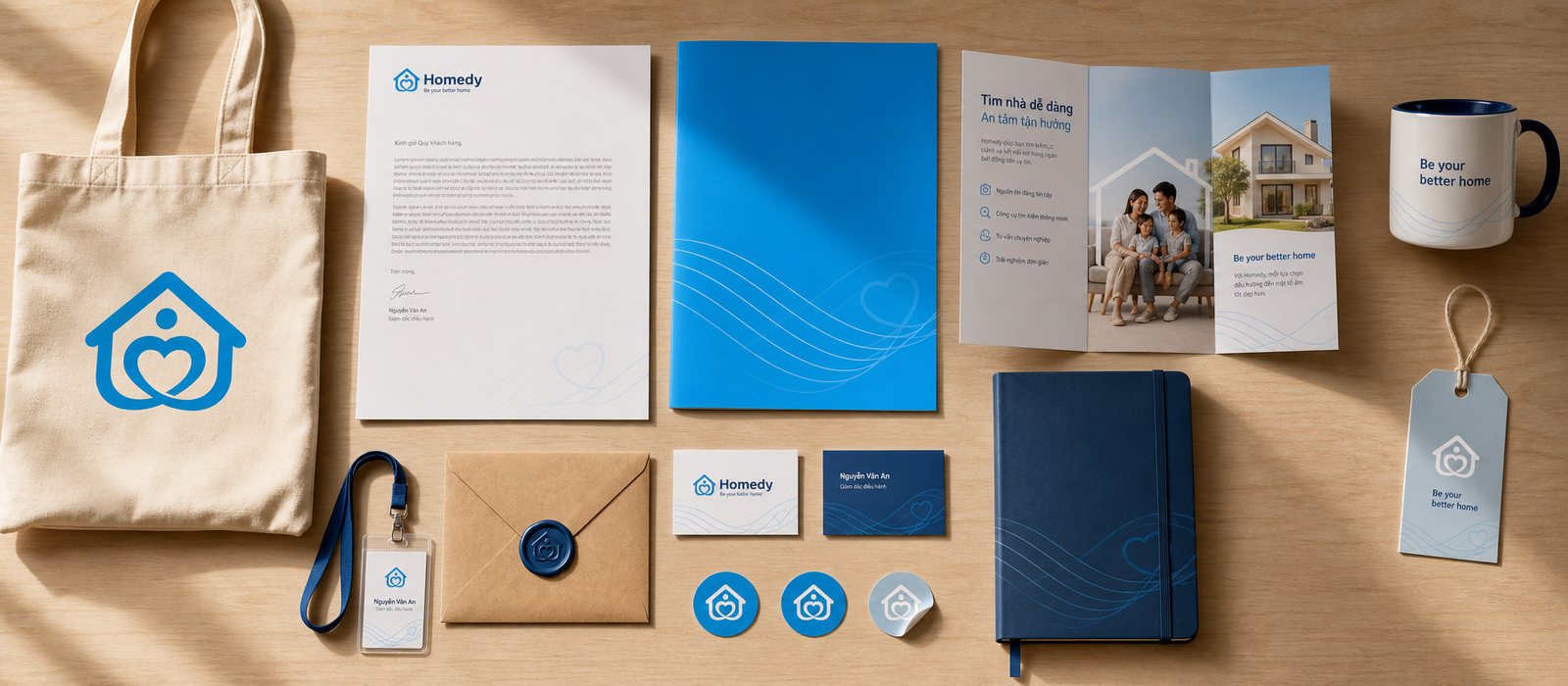
Sinh Vũ built Homedy, a real estate portal that runs on an app and the web. The second project is an apartment services platform.

Further reading08

More on digital real estate platforms

Free toolTouchpoint map for this business modelSee the five stages customers pass through, where they drop off most, then rate the five touchpoints to fix first.Open the tool Free toolTest designs at real sizePackaging in a marketplace grid and on a shelf two meters away; a logo at avatar size and as a browser tab icon.Open the tool
FAQ09

Frequently asked questions

Users are making a big decision and are more anxious, so the interface has to reassure them first: clear information, large enough type, few steps, and the important buttons where they are easy to see.

Photos, location, key information, update date, poster and how to get in touch. A verification label should appear only when the platform has actually checked that listing.

When it has two or more places to display, such as an app and the web, or when several teams build screens. A design system makes every new feature faster to build and keeps them from drifting apart.

Modern but warm: friendly color and type, the most-used controls right on the first screen, and gentle prompts instead of technical jargon.

The interface can only present clearly what the platform has checked: update date, poster, listing status. Moderating listings is the platform's job, and design can't replace it.

Tell Sinh Vũ about your platform

A few lines about the platform, its users and what is holding you back is enough. Sinh Vũ will read it and reply within one working day.