
See your logo and pack at small sizes
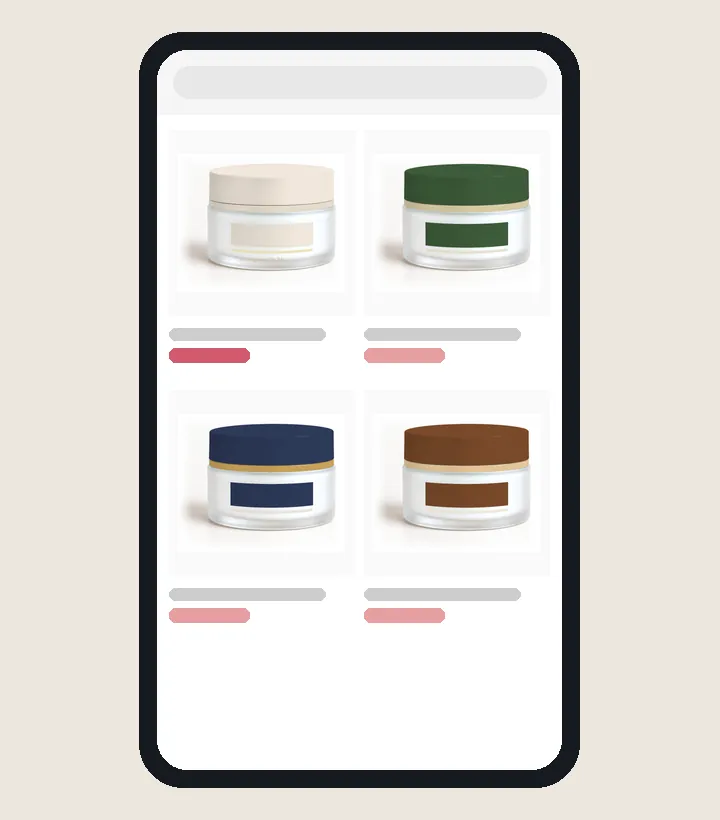
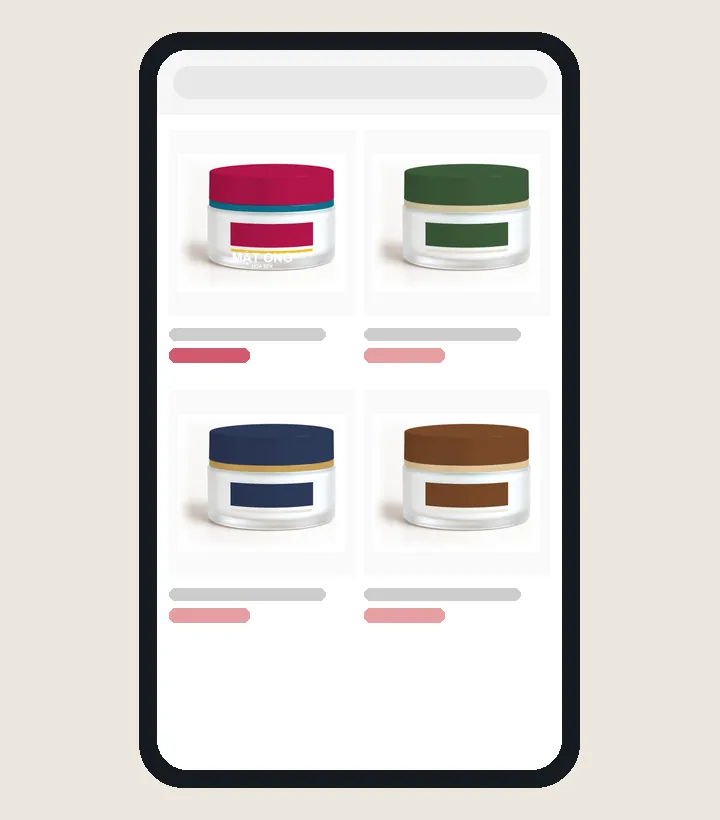
Example in a marketplace grid
About this tool
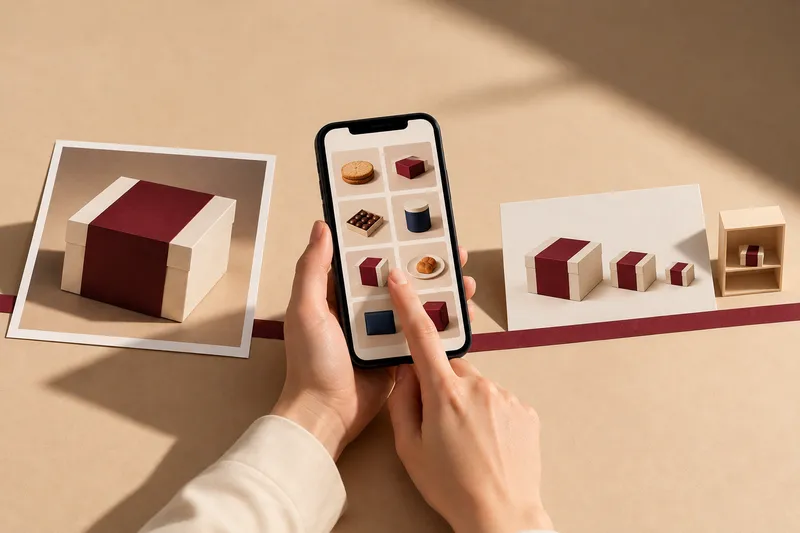
Upload a packaging or logo image to see it at the size customers meet it and find out what will be lost.
Use it when
- About to list a product on a marketplace
- Unsure how a pack mockup looks on the shelf
- A new logo needs to work as a profile picture
- Your image stays on your device
- Results in seconds
- No sign-up
Customers meet the design smaller than the approved proof
A thumbnail on a phone
In a product grid, each tile is only about 160 px wide. Small text, similar color areas and thin lines merge into one block.
A box on the shelf
From two meters away, a 7 cm box face looks no bigger than a stamp. Shoppers recognize shape and large color areas first, and read text last.
Avatars and browser tabs
The logo is cropped round and shrunk to 32 and then 16 px. A logo with many small strokes needs a compact version for these sizes.
What people often ask
Is my packaging or logo still clear when shown small online?
On a marketplace, a product photo often shows at fingertip size, so small text and thin lines vanish first. The tool shrinks your design to marketplace tile size, to a shelf seen from two meters and to profile picture size, then says which details still read.
Is my image sent anywhere?
No. Every measurement runs in your browser. The image is not uploaded to any server and is gone when you close the page.
Are the results as accurate as print?
This is an on-screen estimate to spot weak points early. Print color, material and shop lighting still need a real sample before a large print run.
Which image should I upload?
For packaging: a front view on white, at least 1,000 px wide. For a logo: a transparent or white-background file with the logo fitting within the frame.