
My Baby: where parents keep their child's early years
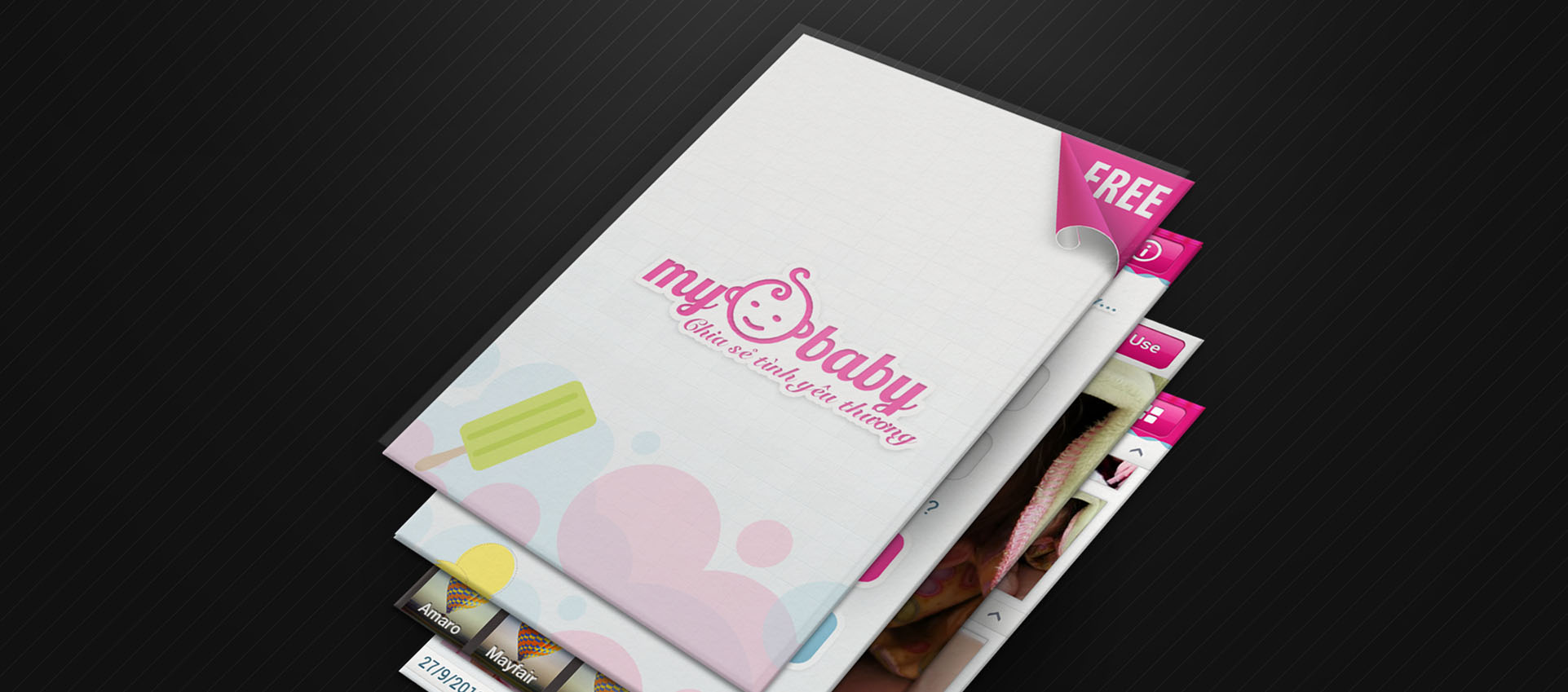
My Baby is a social app about children where parents store photos, record growing-up milestones and share them with family. Sinh Vũ designed the logo, character set and app interface so My Baby feels as warm as a family album.
A child's photos scattered everywhere
Every parent takes countless photos of their child, but they end up scattered across phones, computers and general social networks mixed with everything else. Milestones like the first roll, the first tooth, the first day at school slowly drift away.
My Baby wanted to bring those moments into one private place for the child and family. So the app had to be warm and easy, so that busy parents would still open it to save photos every day.
A baby face inside the letters
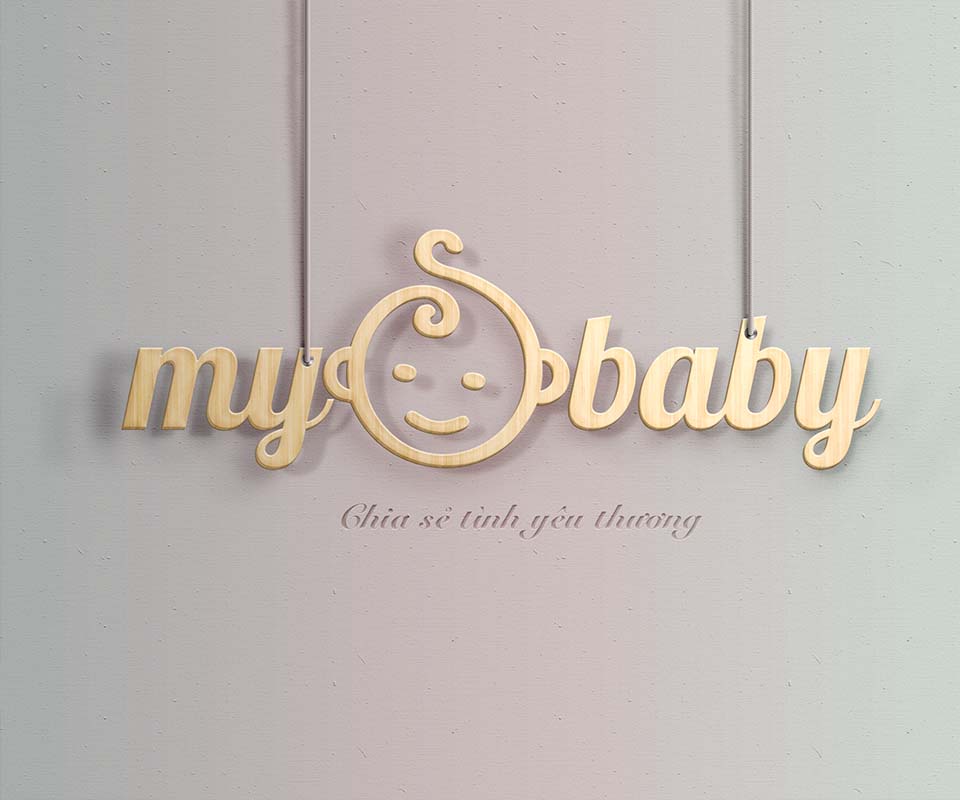
Sinh Vũ drew a smiling baby face with a curl of hair on top, set right between the words my and baby. The face is both the o joining the two words and the app's main character. One look at the logo says this place is for little ones.
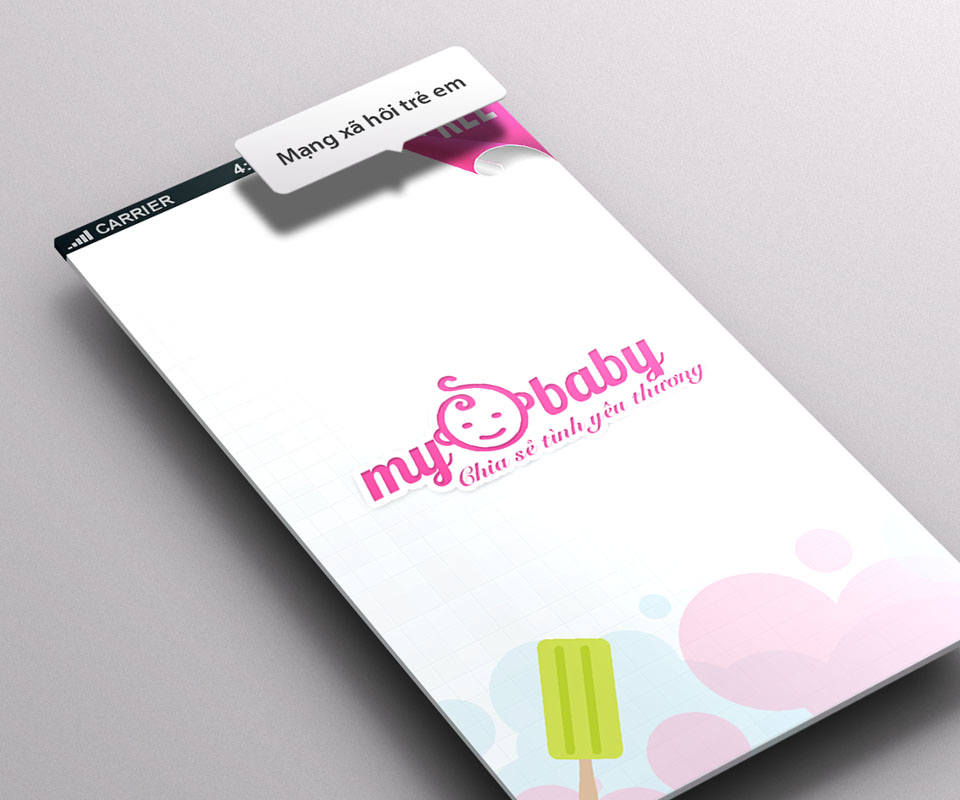
Soft handwritten letters in warm magenta come with the line Chia sẻ tình yêu thương, sharing love. The logo also has a golden 3D version and a glossy caramel version for the splash screen and special occasions.
Characters for every milestone
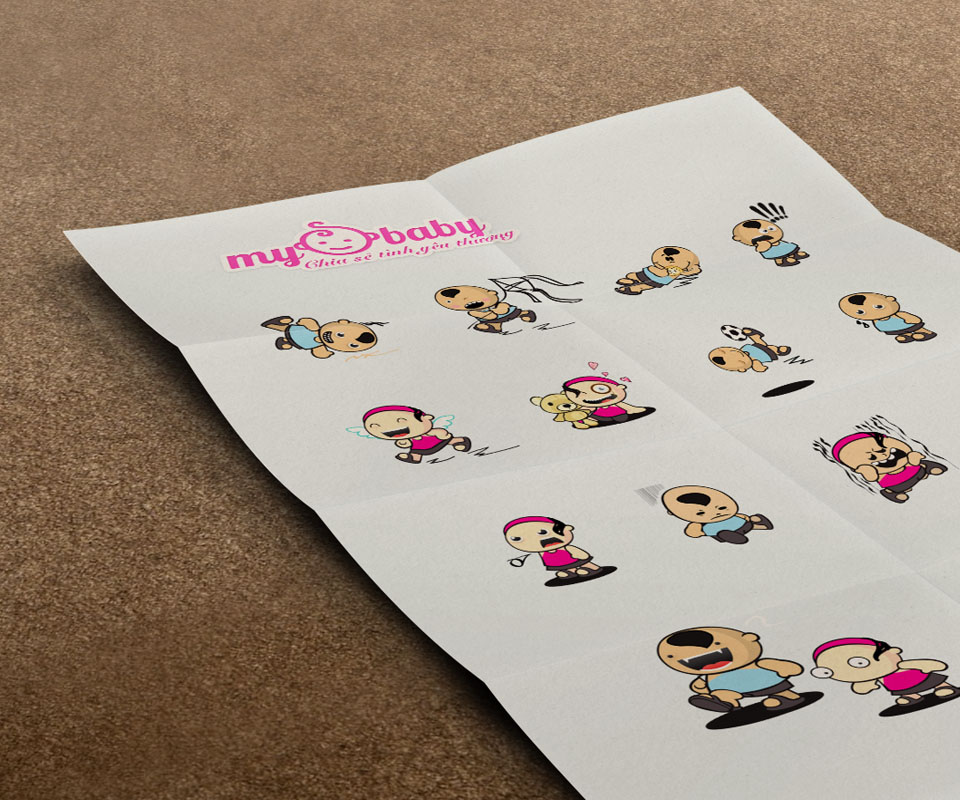
From the face in the logo, Sinh Vũ drew a set of baby characters in many poses: crawling, sitting, playing, hugging a teddy, crying. Each marks a kind of milestone or a state in the app.
The characters make empty screens warmer. When parents have no photos yet, a cartoon baby appears inviting them to save the first one, instead of a dry empty-state message.
An app easy enough for busy parents
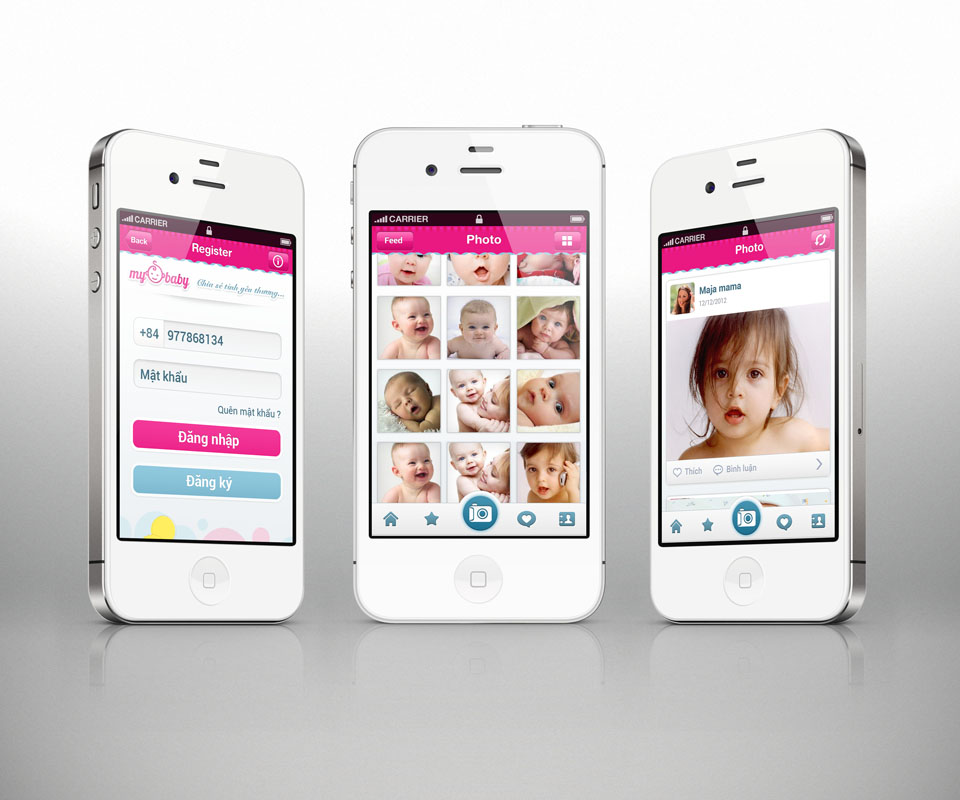
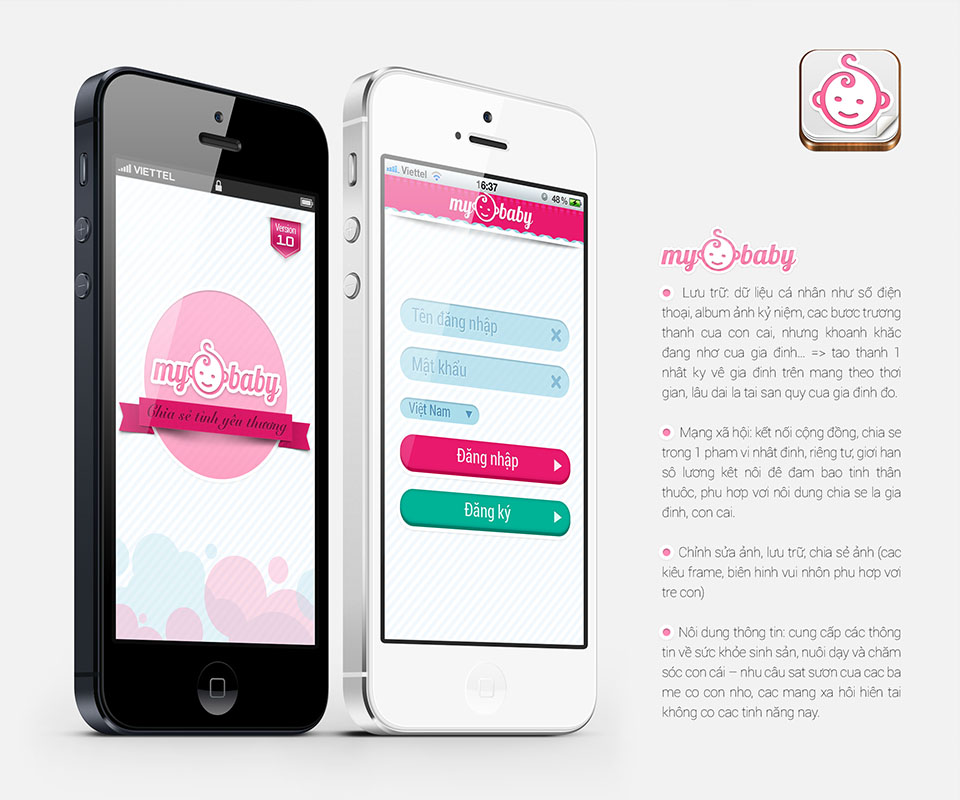
The interface uses white backgrounds, pink and pale blue bubbles and large buttons. Signing in needs only a phone number. Photos sit in a square grid, a tap enlarges them, and each is labelled with the date and the child's age.
Sinh Vũ kept steps to a minimum: open the app, take or pick a photo, save. Parents have only a few spare minutes a day, so everything unnecessary was taken off the screen.
The value
My Baby gained a lovable face that parents warm to at once: a smiling baby inside the name, a warm pink and cartoon characters that follow each of the child's milestones.
For a family app, warmth and simplicity matter more than many features. Sinh Vũ built My Baby so parents want to open it every day, and so their child's moments have a home of their own.
A baby's face on every screen
In their own words
A warm, lovable design that suits mothers and children. The app is simple: parents open it and know how to save photos and record each milestone of their child. Sinh Vũ supported and advised us generously and in detail throughout.