
Check text on colored backgrounds
Example on a business card
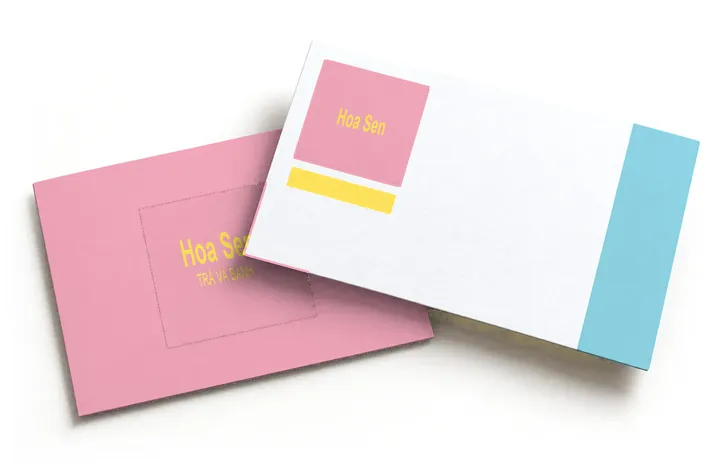
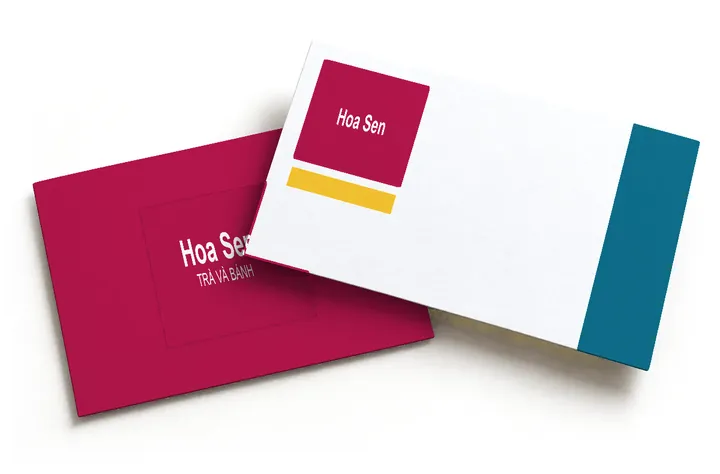
About this tool

Enter color codes or drop a logo: readability, print dulling and approximate print codes, as you type.
Use it when
- Printing cards, signs or packs, unsure of colors
- Text on color looks faint, especially in sunlight
- Choosing colors for a new or refreshed brand
- Your image stays on your device
- Checks up to six colors
- No sign-up
Good-looking is not the same as usable
Text you cannot read
If neither white nor black text reads well on a beautiful main color, signs, buttons and posts all become hard to read.
Bright on screen, dull on paper
A screen emits light, so it can show very vivid colors. Ink cannot do the same, especially bright greens, blues and purples.
Some customers see it differently
About one man in twelve has trouble telling red from green. Two different colors of the same lightness merge into one.
What people often ask
Is text on this background easy to read?
Text is readable when the contrast, the light-dark difference between text and background, is at least 4.5 : 1 for normal text and 3 : 1 for large text, under the WCAG accessibility standard. The tool measures each color pair, shows how people with color blindness see it and suggests the nearest passing color.
Is my logo image sent anywhere?
No. The image is read in your browser to pick its colors and is not uploaded to any server.
How accurate is the print shift?
It is an estimate based on the common four-color print gamut, enough to tell which colors risk going dull. To be sure, run a proof on the printer's actual paper and press.
How many colors should a palette have?
Usually one main color, one secondary and one or two accents, plus a background and a text color. More than that is hard to keep consistent across touchpoints.
Which color code formats can I type?
Three screen formats: a six-character HEX code such as 6C0E23, an RGB code of three numbers such as 108, 14, 35, or an HSL code (hue, saturation, lightness). For each color the tool also lists HSL and approximate CMYK, the four-ink print notation.
Can I send the CMYK codes to my printer?
The CMYK codes here are a rough idea only, not codes to print with. The tool converts straight from the screen color, while a printer converts using a color profile (the settings of their own press and paper). Give the printer the HEX code so they know the color you want, then ask for a proof on the actual paper. Lock the main color from the printer's printed swatch book.