
Score your website
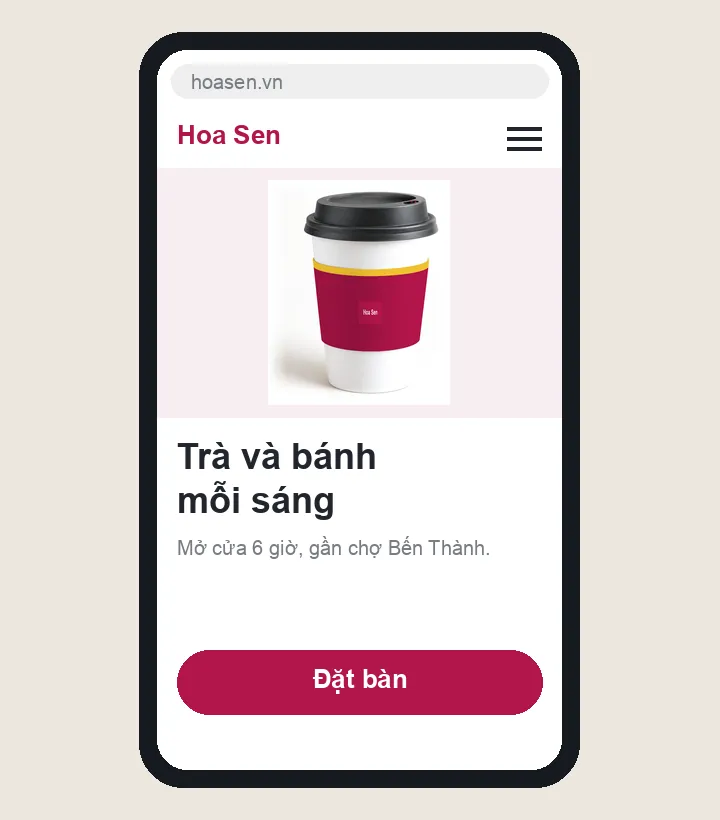
Example of a café site on a phone
About this tool

Enter a page address; the page is read and its mobile speed measured, showing where visitors and search engines stumble.
Use it when
- Customers still call to ask what the site says
- The site feels slow on a phone, text is small
- Searching for your shop does not show your site
- Reads public pages only
- Measures speed on mobile
- No sign-up
Your website is the touchpoint customers meet most
Most customers browse on mobile
If a page takes more than three seconds on a mobile network, many visitors leave before they see anything.
Search engines read text, not pictures
Without a title, a description and alternative text for images, search engines cannot tell what the page is about.
AI assistants are visitors too
Many people now ask a chatbot instead of searching. If your page blocks those crawlers, your brand is missing from the answers.
What people often ask
Where do visitors leave my website?
Visitors leave a website when it loads slowly on phones, the call or message button is not visible, or the site cannot be found on Google. Enter an address and the tool measures mobile speed, checks title, description, images and contact buttons, and sees whether search engines and AI assistants can read the page.
Is the address I enter stored?
No. When you press Check, the sinhvu.com server reads that public page once, and your browser sends the address to Google's PageSpeed Insights to measure speed.
Why does the speed score change each time?
Speed depends on the network, the server and its load at the moment of measuring. A few points of difference is normal; check two or three times and look at the trend.
Can it check pages behind a login?
No. The tool only reads public pages, the way a stranger or a search engine would.