
Business cards at true size
Pick the card size and upload the front. Calibrate the screen once with a bank card so on-screen size matches real size.
- You are about to print cards and want to know if the text is too small
- You received artwork from someone else and do not know if it is sharp enough to print
- Your last print run showed thin white edges
- Runs in your browser
- True size after calibration
- Flip both sides
Example on a business card
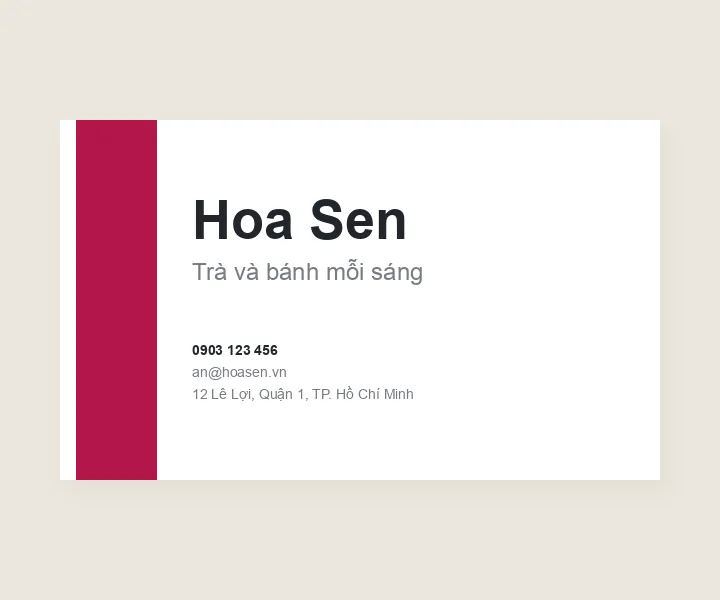
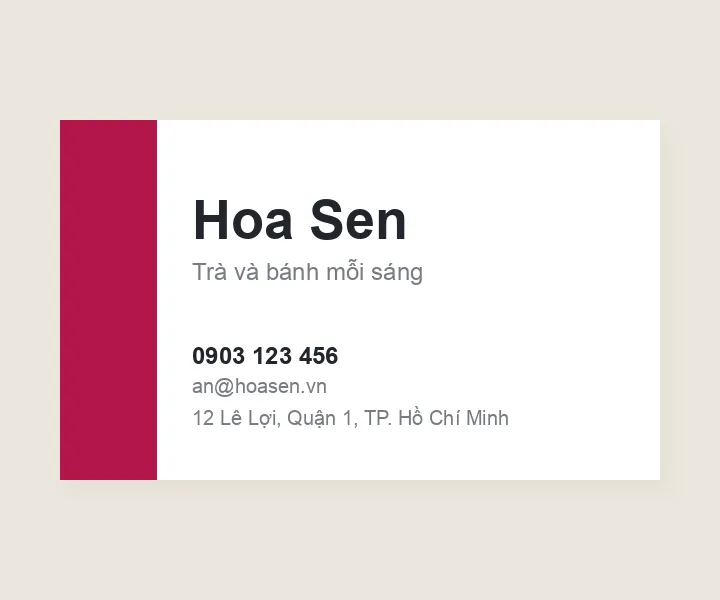
A card is read in the hand
A Sinh Vũ working principle: test a design at the size people actually meet it, before approving it at desk-screen size.
A zoomed screen fools the eye
Designers usually view a card filling the whole screen. At 90 × 54 mm, 6 pt text (pt, or points, is the unit of type size) has capitals only about 1.5 mm tall, and many people squint to read the phone number.
Cutters drift a fraction of a millimetre
Printers cut a whole stack at once, so the cut can shift. Colour that runs to the edge needs bleed (artwork extending past the cut line) to avoid white slivers, and text needs a safe margin from the edge.
Sharp on screen can print soft
Screens need fewer pixels than print. Screenshots or images saved from social media often lack pixels, and small text prints blurry.
What people often ask
Three questions Sinh Vũ often gets about this tool.
Why hold a bank card against the screen?
Your browser does not know how large your screen is, so a millimetre on screen can be longer or shorter than in real life. Bank cards and chip ID cards share one standard size, 85.6 × 54 mm, so matching the frame to a card tells the tool the real scale of your screen.
Which business card size is most common?
In Vietnam the most common size is 90 × 54 mm, then 90 × 50 mm. 85 × 55 mm is common in Europe and 89 × 51 mm in the United States. For unusual sizes, ask the printer first, as they may waste paper and need a custom cutting die.
Is my image sent anywhere?
No. The image only opens in your browser. The screen calibration is also stored only on this device.